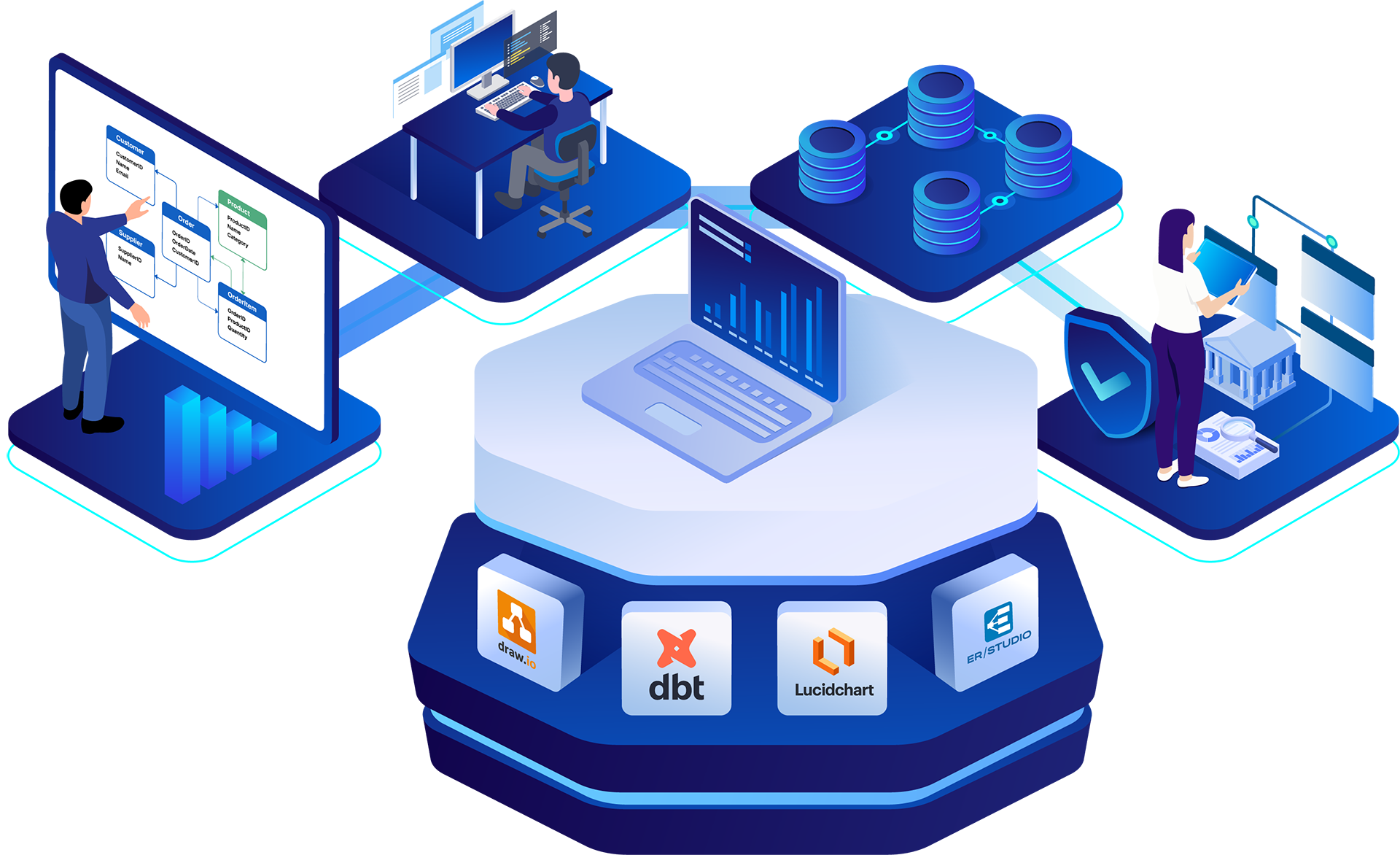
Data modeling tools fall into distinct categories that do not compete directly. A diagramming tool that produces an entity-relationship diagram for a stakeholder review solves one problem.
A platform that reverse-engineers a legacy database, generates ALTER scripts, and synchronizes models with a governance catalog solves another.
Choosing the wrong category is the most common reason teams end up with a tool that looks fine in a demo but frustrates them six months into production.
This comparison sorts twelve data modeling tools by what they are built to do: visual diagramming, code-native transformation, cross-platform schema design, and full-lifecycle enterprise modeling with governance integration. Pricing, ratings, pros and cons, and the specific use case each tool fits best are included for every entry so you can match a tool to your environment rather than to a feature checklist.
Disclosure: ER/Studio is the publisher of this comparison, and our platform is listed below as a potential solution. We have rated and compared ER/Studio using the same evaluation criteria applied to every other tool on this list. Where our assessment of ER/Studio differs from another tool, that gap reflects a genuine difference in capability, not editorial preference. See the methodology section below for how each platform was selected and assessed.
This comparison was compiled using a combination of sources:
ER/Studio is included on this list, and we have disclosed that affiliation. Ratings and pricing reflect data current as of June 2026.
| Tool | Best For | 価格 | 主な機能 | Differentiator |
| ルシッドチャート | Visual ERDs for cross-functional teams | Free; from $9/mo | Drag-and-drop ERDs, real-time collaboration, AI diagram generation | Highest adoption and review volume in the category |
| 詳細 | Cloud-warehouse transformation for engineers | Free; from $100/user/mo | SQL-native transformations, built-in testing, Git version control | SQL-native ELT with testing and version control |
| DbSchema | Cross-platform schema design for developers | Free; from $294 one-time | Visual schema sync, query builder, HTML and PDF documentation | Offline-first design across relational and NoSQL |
| Erwin Data Modeler | Cross-DBMS modeling for data architects | Contact for pricing | Forward and reverse engineering, logical-to-physical models, broad DBMS support | Long-established enterprise modeler with wide database coverage |
| ER/Studio | Enterprise architecture and governance | From $2,687/user/yr | Conceptual-to-physical lifecycle, Purview and Collibra sync, Team Server | Native bi-directional Purview and Collibra sync |
| ガマデータモデラー | Departmental relational modeling | Contact for pricing | Forward and reverse engineering, broad relational platform support | Broad relational platform support |
| MySQL Workbench | MySQL-specific design and administration | Free | Visual design, SQL development, server administration | Free, official MySQL design environment |
| SqlDBM | Browser-based cloud warehouse modeling | Free tier; paid plans | Browser-based modeling, cloud warehouse support, AI assistance | Cloud-native, AI-assisted schema design |
| GenMyModel | Online collaborative diagramming | Free tier; paid plans | Browser-based ERD and UML modeling, real-time collaboration | Browser-based collaborative modeling |
| ムーンモデラー | NoSQL and relational schema design | Paid; trial available | NoSQL and relational schema design, documentation export | Document database and relational support |
| draw.io | Free general-purpose diagramming | Free | Free ERD diagramming, browser or desktop, no account required | No-cost ERD diagramming with no account required |
| Hackolade | NoSQL and polyglot data modeling | Paid; free trial available | Polyglot schema design, JSON Schema and Avro support, governance integrations | Purpose-built for NoSQL and multi-model (polyglot) data |
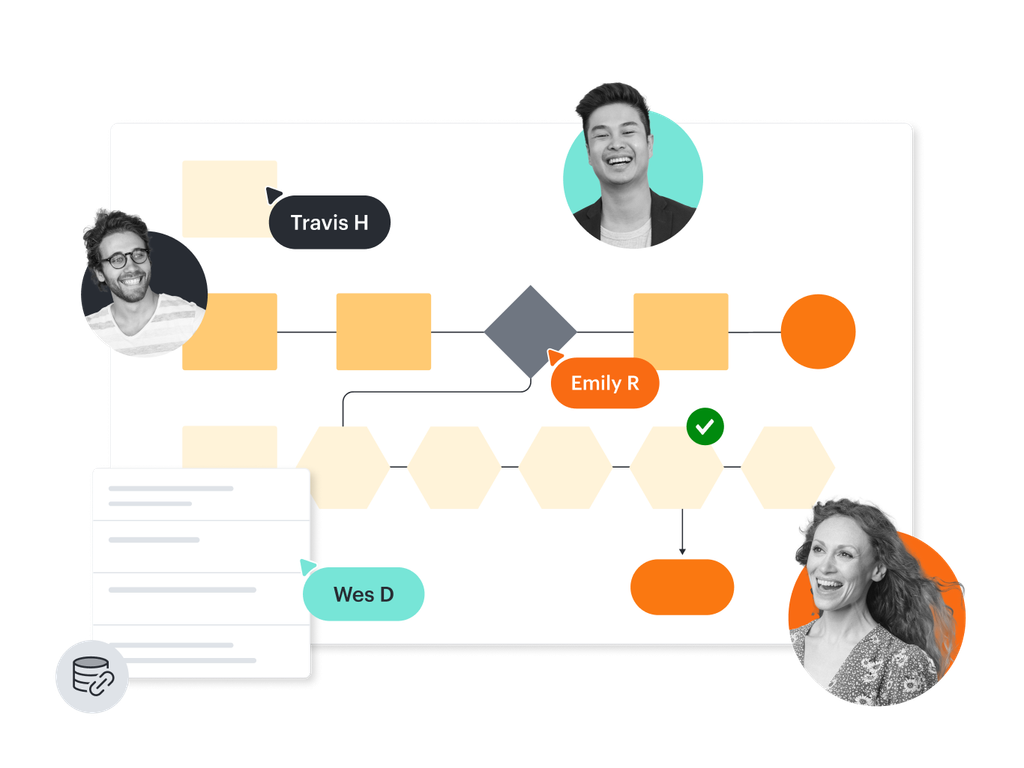
ルシッドチャート is a visual collaboration platform that supports entity-relationship diagrams alongside flowcharts, org charts, and process maps. Business analysts and cross-functional teams use it to document and discuss data structure without needing engineering tooling.
Pricing: Free plan with limited documents; Individual plans from $9 per month; Team and Enterprise plans available.
Rating: 4.5/5 stars from 8,717 reviews on G2, the highest review volume of any tool in this comparison.
主な特徴:
What we like: Real-time collaboration and a drag-and-drop interface make Lucidchart accessible to non-technical stakeholders in minutes. AI-assisted diagram generation can produce ERDs from imported data, and the tool’s reach (used widely across large enterprises) means most teams already have someone familiar with it.
What to consider: Lucidchart is a diagramming tool rather than a data modeling platform in the engineering sense. It does not generate DDL, reverse-engineer live databases, support a logical-to-physical model progression, or integrate with governance catalogs. If your output is a picture for a review meeting, it fits. If your output is a production schema, look further down this list.
Choose Lucidchart if:
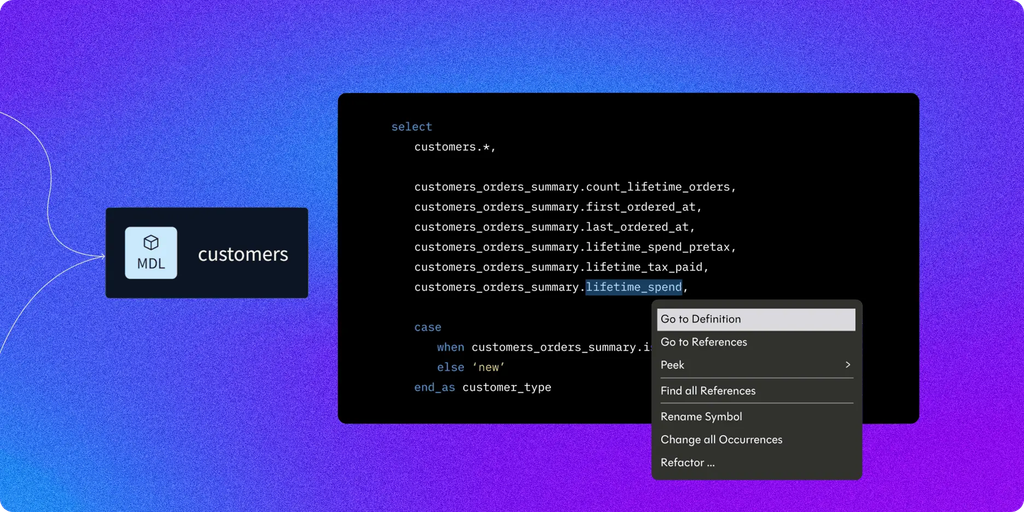
詳細 is a transformation framework for data engineers and analytics engineers building ELT workflows inside cloud data warehouses. It is SQL-native and version-controlled, and it sits at the center of the modern cloud data stack alongside tools like Snowflake and BigQuery.
Pricing: Developer plan is free for a single seat; Starter plan is $100 per user per month; Enterprise pricing is available on request.
Rating: 4.7/5 stars from 209 reviews on G2, the highest rating among the modeling and transformation tools compared here.
What we like: dbt brings software engineering practices to data work, where transformations are tested, version-controlled, and reviewed like application code. Built-in testing frameworks, Git integration, and an open-source core have made it a default choice for teams practicing ELT. The dbt Copilot AI capability accelerates SQL code generation. The community around the tool is large and active.
What to consider: dbt is a transformation framework. There is no ERD generation, no conceptual or logical layer, and no reverse engineering from existing databases. It assumes SQL proficiency and comfort with command-line or IDE workflows, and it does not address governance, documentation for business stakeholders, or compliance needs.
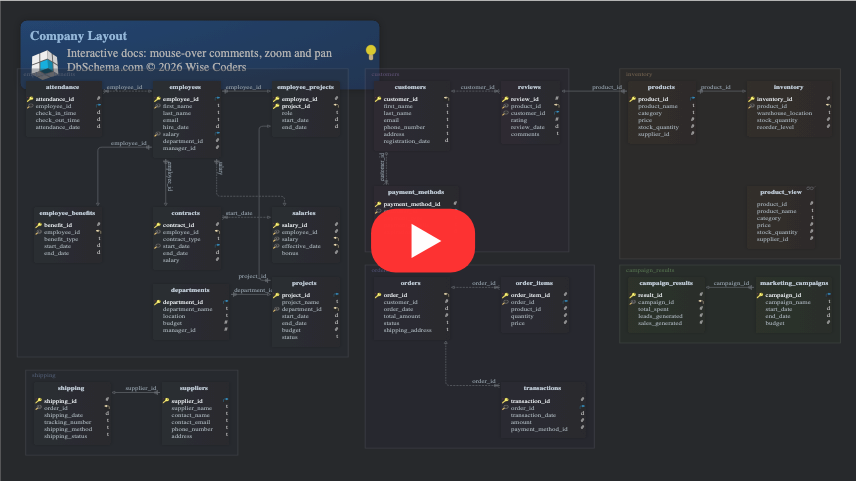
DbSchema is a cross-platform schema design tool for database developers and DBAs working with both relational and NoSQL databases. Its offline-first design lets you build and edit a model locally, then synchronize it to the live database when reconnected.
Pricing: Community Edition free; Pro Developer at $294 as a one-time perpetual license including a year of updates; Developer monthly subscription at $29.40 per month; Teams floating license at $730 one-time.
Rating: 4.5/5 stars from 2 reviews on G2. With only 2 reviews, this rating is preliminary. Do not rely on it to predict real-world satisfaction.
What we like: DbSchema supports a broad set of databases across both the relational and NoSQL worlds:
Beyond database coverage, the offline project model, built-in schema synchronization, visual query builder, random data generator, and HTML5 and PDF documentation export make it a capable tool for individual developers. The one-time perpetual pricing keeps it accessible.
What to consider: G2 review volume is too low to draw firm conclusions about satisfaction. DbSchema has no enterprise collaboration layer, no governance integration, no business glossary, and no conceptual or logical modeling layer. It fits individual developers better than enterprise architecture programs.
Erwin Data Modeler (now part of Quest Software) is one of the longest-running data modeling tools on the market, built for data architects who design and maintain schemas across many database platforms. It handles conceptual, logical, and physical modeling, with forward and reverse engineering across relational and cloud platforms.
Pricing: Contact Quest for current pricing.
Rating: See the tool’s G2 profile for current rating and review volume.
What we like: Erwin has decades of refinement behind it, and it shows in the breadth of database platforms it covers and the depth of its forward and reverse engineering. Architects can move a model from conceptual through logical to physical, enforce naming standards, reuse domains across models, and run model-to-database compare to keep designs and live schemas aligned. For large teams standardizing on a single modeling discipline, that maturity is the draw.
What to consider: Erwin Data Modeler is a traditional desktop modeling tool, and pricing requires a sales conversation. The interface carries the weight of its long history, so new users face a learning curve. Governance and cataloging capabilities such as lineage and business glossaries live in a separate companion product (erwin Data Intelligence) rather than in the modeler itself, so teams that want modeling and governance on one platform should weigh that split.
ER/Studio is the only tool in this comparison with native bi-directional integration to both Microsoft Purview and Collibra, which makes it the choice for data architects and regulated-industry organizations managing complex, multi-platform data estates. It covers the full lifecycle from conceptual and logical modeling through physical DDL generation, and it connects modeling directly to enterprise governance platforms.
Pricing: Standard at $2,687 per user per year; Professional at $3,693 per user per year; Enterprise pricing on request; a free Community Edition is available.
Rating: 4.0/5 stars from 16 reviews on G2. Review volume is lower than that of several tools in this comparison. Weight the rating accordingly.
What we like: ER/Studio brings enterprise architecture and governance together on a single platform. Its strongest capabilities map to the work regulated-industry data teams actually do:
Organizations in energy (BP), pharmaceuticals (Pfizer), financial services (Prudential, Barclays), and professional services (Accenture) use ER/Studio to connect data modeling with governance across complex environments. ER/Studio reports 70% fewer data errors and 45% faster model updates, and Entrust’s case demonstrates the documentation payoff, completing a process estimated at six months in one week using reverse engineering.
What to consider: G2 review volume sits at 16, which is lower than some other competitors. The platform has a steeper learning curve than lighter-weight browser-based tools, and Enterprise edition pricing requires a sales conversation. ER/Studio is not a complete replacement for enterprise governance tools, but integrates with Collibra and Microsoft Purview.
A DBA at an insurance company described the workflow this way:
“We have been able to quickly create models for our enterprise-wide databases, even when some of them are third-party databases. Loading these models into the ER/Studio Team Server repository allows us to disseminate this information to the entire enterprise.”
ガマデータモデラー is a relational modeling tool for departmental teams and DBAs designing and documenting databases on common relational platforms. It is positioned for team-level design work more than enterprise-wide architecture programs.
Pricing: Contact for pricing.
Rating: See the tool’s G2 profile for current rating and review volume.
What we like: Broad relational platform support and a familiar design environment make Toad Data Modeler a practical choice for teams that already work within the broader Toad tooling family. It handles forward and reverse engineering for relational databases and produces deployable scripts.
What to consider: Toad Data Modeler is scoped for departmental use rather than enterprise-scale modeling. It does not provide the enterprise collaboration portal, business glossary, ontology management, or governance-platform integration that organizations with formal governance programs require.
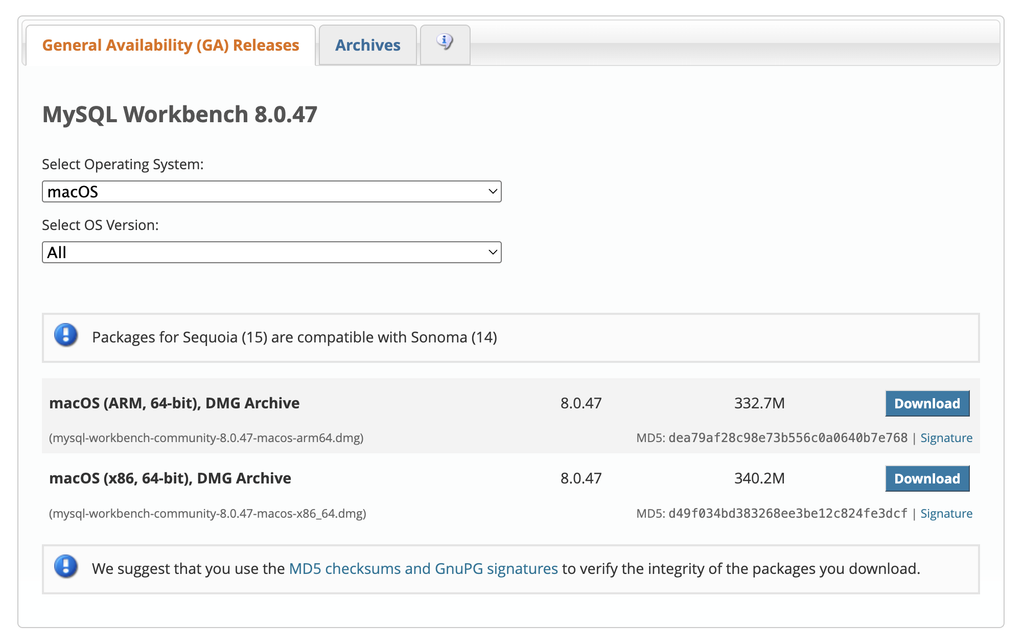
MySQL Workbench is the official design and administration environment for MySQL. It combines visual database design, SQL development, and server administration in a single free tool.
Pricing: Free.
Rating: See the tool’s review profiles for current rating and review volume.
What we like: For teams standardized on MySQL, Workbench is a no-cost, well-maintained environment that handles forward and reverse engineering, visual schema design, and administration in one place. The tight coupling with MySQL means platform-specific features are well supported.
What to consider: MySQL Workbench is built around MySQL. Teams running heterogeneous environments across multiple database platforms will need a cross-platform tool, and Workbench does not provide governance integration, business glossaries, or enterprise collaboration.
SqlDBM is a cloud-native, browser-based modeling tool built for data teams working in modern cloud warehouses. It emphasizes fast onboarding, collaboration, and AI-assisted schema design.
Pricing: Free tier available; paid plans for teams and enterprises.
Rating: See the tool’s G2 profile for current rating and review volume.
What we like: SqlDBM runs entirely in the browser, with no installation required, which lowers the barrier to adoption. It supports modern cloud platforms including Snowflake, Databricks, BigQuery, and Azure Synapse, and its AI assistance accelerates schema generation for teams building new warehouse designs.
What to consider: SqlDBM is optimized for cloud data engineering workflows more than enterprise data architecture programs. Its governance posture is lightweight, which can create risk in regulated industries that require these capabilities as a baseline:
SqlDBM offers no enterprise glossary, ontology management, or metadata bridges to cover that ground.
GenMyModel is a browser-based modeling tool that supports ERDs, UML, and other diagram types. It is designed for teams that want collaborative, online modeling without desktop software.
Pricing: Free tier available; paid plans for individuals and teams.
Rating: See the tool’s review profiles for current rating and review volume.
What we like: The browser-based, collaborative approach makes GenMyModel easy to adopt for distributed teams and smaller organizations. It covers multiple modeling notations that suit teams that need to diagram more than just data structures.
What to consider: GenMyModel is oriented toward diagramming and smaller-team collaboration more than enterprise data architecture. It does not provide governance integration, an enterprise glossary, or the full depth of physical model generation that large, regulated organizations require.
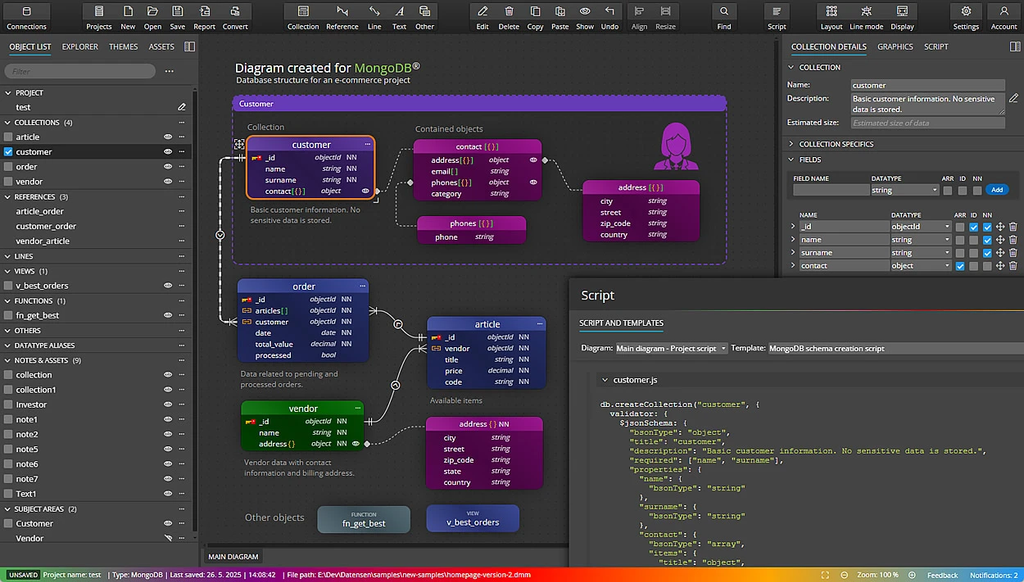
Moon Modeler is a schema design tool that supports both document databases and relational platforms. It appeals to developers working across MongoDB and traditional relational databases who want a single design environment.
Pricing: Paid license; trial available.
Rating: See the tool’s review profiles for the current rating and review volume.
What we like: Moon Modeler handles NoSQL document structures alongside relational schemas, which is useful for teams whose data spans both models. The interface is approachable for developers focused on schema design and documentation.
What to consider: Moon Modeler handles schema design only. It does not offer governance integration, business glossaries, or enterprise-scale collaboration, and it fits individual developers and small teams better than architecture programs.
draw.io (also known as diagrams.net) is a free, general-purpose diagramming tool that supports entity-relationship diagrams among many other diagram types. It requires no account for basic use and stores files wherever you choose.
Pricing: Free.
Rating: See the tool’s review profiles for the current rating and review volume.
What we like: draw.io costs nothing and runs in the browser or as a desktop application. For teams that need an ERD to quickly communicate a structure, with no procurement and no learning curve, it does the job.
What to consider: draw.io is a drawing tool rather than a data modeling platform. It has no database connectivity, no DDL generation, no reverse engineering, and no governance features. The diagram it produces is a static picture rather than a model connected to a live database.
Hackolade is a data modeling tool built for the document and multi-model world, where one application may span MongoDB, a relational database, and a streaming format at the same time. It models NoSQL stores, relational databases, REST APIs, and data exchange formats such as JSON Schema and Avro, which makes it a fit for teams whose data does not fit neatly into rows and columns.
Pricing: Subscription pricing with a free trial; contact Hackolade for current rates.
Rating: See the tool’s G2 profile for current rating and review volume.
What we like: Hackolade fills a gap most traditional modelers leave open. It gives document and polyglot databases the same visual, version-controlled treatment relational schemas have always had, generates schemas and validation rules for the target platform, and produces documentation that bridges the gap between engineers and stakeholders. For teams running MongoDB, Cassandra, DynamoDB, or event streams alongside relational systems, it covers ground the rest of this list does not.
What to consider: Hackolade is specialized. Its strength is NoSQL and polyglot modeling rather than the deep relational lifecycle and enterprise governance integration that regulated organizations rely on. Teams whose work is mostly traditional relational architecture with formal governance programs will find a dedicated enterprise platform a closer fit.
No single tool is the best choice for every team. The right fit depends on how you weigh a handful of practical criteria against your own environment and goals. Run each shortlisted tool through the checklist below.
Weigh these criteria against your own priorities and the answer usually narrows quickly. Lighter diagramming and schema tools win on speed and cost, while enterprise platforms earn their price where governance, lineage, and a full modeling lifecycle are non-negotiable.
We looked at 12 data modeling tools across reviews, ratings, pricing, features, and pros and cons, from free diagramming apps to full enterprise platforms. The honest conclusion is that there is no single best data modeling tool. The right one depends on your use case, your environment, and the criteria covered above.
To make it concrete, here is where each option tends to fit:
If that last profile matches your environment, you can start with a free trial または デモを申し込む to evaluate ER/Studio against your own data.
For free diagramming, draw.io and Lucidchart’s free plans handle ERDs at no cost. For free schema design with database connectivity, DbSchema’s Community Edition and MySQL Workbench are stronger choices because they connect to live databases. dbt’s Developer plan is free for a single seat if your work focuses on cloud warehouse transformation. ER/Studio’s free Community Edition provides core modeling features, so teams can explore the conceptual-to-physical modeling workflow without a license cost.
dbt and SqlDBM are built around cloud warehouses including Snowflake, BigQuery, and Databricks. ER/Studio supports Snowflake, Amazon Redshift, Azure Synapse, and Google BigQuery alongside traditional relational and NoSQL platforms, which suits teams running hybrid environments rather than cloud-only stacks.
A diagramming tool produces a picture of a structure for communication. A data modeling platform connects to live databases, generates DDL and ALTER scripts, reverse-engineers existing schemas, and maintains the model as a living artifact throughout the production lifecycle. Lucidchart and draw.io are diagramming tools. ER/Studio, dbt, and DbSchema operate on actual database structures.
Many teams do. A common pattern pairs a diagramming tool for stakeholder communication with an enterprise platform for architecture and governance. Cloud-focused teams often run dbt for transformation alongside a schema design tool. The tools sit at different layers of the stack, so combining them is more common than forcing a single tool to cover diagramming, engineering, and governance at once.
Regulated industries such as financial services, healthcare, and insurance require lineage, role-based permissioning, version history, business glossaries, and governance platform integration as baseline requirements. ER/Studio is built for this layer, with native bi-directional synchronization to Microsoft Purview and Collibra. Lighter-weight browser-based tools lack the governance depth these environments require.
Pricing ranges widely. Diagramming tools like draw.io are free, and Lucidchart starts around $9 per month. dbt’s Starter plan is $100 per user per month. DbSchema offers a one-time, perpetual license starting at $294. Enterprise modeling platforms operate on per-user annual subscriptions; ER/Studio Standard is $2,687 per user per year, with Enterprise pricing available upon request.





