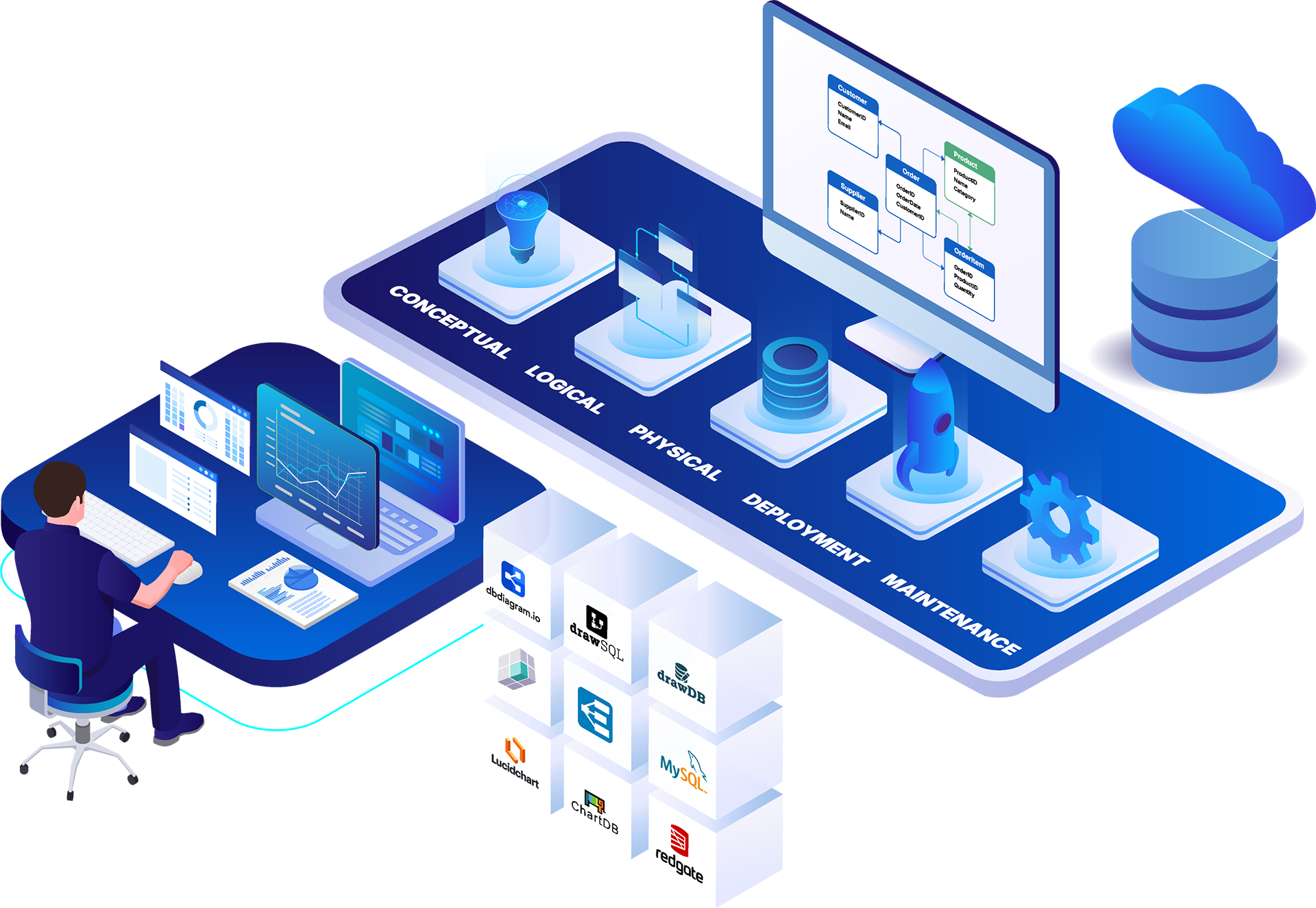
Search for database design software and diagram tools, and you get one list. That list is a mistake because the phrase covers at least five different products doing five different jobs. dbdiagram.io and DrawDB exist to turn a schema into a shareable picture in a few minutes. Lucidchart is a general diagramming platform that also supports drawing entity-relationship diagrams. Database clients and cloud warehouse modelers sit somewhere in between. And enterprise data modeling platforms like ER/Studio govern, document, and version production data estates across regulated environments.
The buyer searching this phrase usually lands on lists built for a solo developer, not for a data architect who has to document a legacy system, enforce naming conventions, or feed a governance catalog. Picking a tool from the wrong tier costs more than picking the wrong one within the right tier. A sketch tool has no DDL generation, no impact analysis before a schema change, and no compliance documentation. This guide compares nine tools across all five categories, so you can match the tool to the job before you compare features.
Tools qualified when they appeared in three or more independent sources: G2 or Capterra ratings, coverage in buyer-facing roundups from sources like Devart and Bytebase, Reddit practitioner threads, and an independent 2026 taxonomy analysis from TalkingSchema. Tools with no G2, Capterra, or credible third-party review presence were excluded. The final nine span all five category tiers, so you see the full market rather than one slice of it. We omit an FAQ section here to keep coverage even across items.
A note on bias: ER/Studio publishes this guide and is one of the nine tools listed below (item #5). The selection criteria and per-item evaluations apply to ER/Studio’s entry as well. Its strengths and watch-outs come from public G2 reviews, verified pricing pages, and published customer outcomes, not from self-assessment alone.
| Tool | Best For | G2 Rating | Pricing Model | Governance Depth | Free Tier |
| dbdiagram.io | Solo developers sketching fast | 4.3/5 (4 reviews) | Free / $8 mo | Schema only | Yes |
| DrawDB | Open-source self-hosting | Not on G2 | Free (open-source) | Schema only | Yes |
| DrawSQL | Team schema collaboration | No G2 reviews | Free / $19 mo | Schema only | Limited |
| DbSchema | Offline cross-database modeling | 4.5/5 (2 reviews) | $127 one-time | Schema + versioning | No |
| ER/Studio | Enterprise governance | 4.0/5 (16 reviews) | From $2,687/yr | Enterprise (glossary, lineage, compliance integration) | Limited |
| Redgate Data Modeler | Versioned team modeling | 4.5/5 (11 reviews) | From $24 mo | Schema + versioning | No |
| Lucidchart | Cross-functional diagramming | 4.5/5 (8,771 reviews) | Free / $9 mo | Schema only | Yes |
| MySQL Workbench | MySQL environments | 4.5/5 (48 reviews) | Free | Schema only | Yes |
| ChartDB | Documenting existing databases | See G2 | Free (open-source) | Schema only | Yes |
dbdiagram.io is a browser-based schema sketching tool built around DBML. You write the code, a Crow’s Foot diagram renders in real time, and no installation is required.
Best for: individual developers who need a shareable schema in under fifteen minutes.
What we like. The free tier covers most individual use cases, diagrams are link-shareable in one click, and you can import a PostgreSQL or MySQL script to generate a diagram immediately. Worth noting: its G2 profile carries a 4.3/5 rating from only 4 reviews, so third-party validation is thin.
Watch out for. There is no live database connection, no metadata management, and no governance features. The DBML code-first approach reads as unfamiliar to visual thinkers, and collaboration is capped on the free plan.
Pricing. Free tier; Personal Pro at $8 per month billed annually.
DrawDB is an open-source, browser-based ERD editor with a drag-and-drop canvas. No account required, self-hostable, and it generates SQL from your diagrams.
According to Bytebase’s 2026 ERD tool roundup, DrawDB has crossed 38,000 GitHub stars, a signal of active community adoption and maintenance.
What we like:
Watch out for:
Pricing. Free (open-source). Not listed on G2 as of July 2026; the GitHub star count is the available validation signal.
DrawSQL is a developer-focused cloud diagram tool. Import a SQL script, design the schema visually, and share with the team in real time. A driver-aware type system understands platform-specific SQL dialects, which cuts down syntax errors when you target a specific database.
Key features include no-friction SQL import, real-time collaboration, and driver-aware types.
What we like. The SQL import is fast, real-time collaboration works well for distributed teams, and the free plan lets you explore without a signup. One caveat on validation: DrawSQL has 0 reviews on its G2 seller profile as of July 2026, so the credible third-party coverage comes from independent roundups like Devart’s April 2026 comparison rather than user ratings.
Watch out for. No enterprise governance, no logical modeling, and no DDL ALTER script generation. The free plan caps at 15 tables per diagram.
Pricing. Free for public diagrams; Starter at $19 per month; Growth at $59; large teams at $179.
DbSchema is a desktop schema design tool with offline modeling, relational data browsing, and schema synchronization. It covers SQL, NoSQL, and cloud databases, and it runs on Windows, Mac, and Linux. Its genuine differentiator is a one-time license rather than a subscription.
The schema synchronization feature compares your local model to a live database and surfaces the differences. That matters for developers who modify live schemas and need documentation to keep pace with what actually ships.
Watch out for. File-based model sharing limits enterprise collaboration, and there is no business glossary, governance integration, or logical-to-physical lifecycle. Its G2 profile shows 4.5/5 from only 2 reviews, which limits how much you can read into the score.
Who should skip. Teams that need role-based permissions, impact analysis, or compliance documentation.
Pricing. Personal license $127 one-time; Commercial license $197 one-time.
ER/Studio is the enterprise data modeling and governance platform for data architects managing regulated, multi-platform environments. It covers the full conceptual-to-logical-to-physical lifecycle, reverse engineers 30-plus database platforms into governed models, and integrates bi-directionally with Microsoft Purview and Collibra. It has run in production enterprise environments for over 30 years. Through its enterprise glossaries and governance connectors, ER/Studio also serves as a data catalog layer, associating authoritative business definitions with the physical models they describe.
What separates it from developer tools is depth. ERbert, its AI assistant, generates metadata-rich logical models from plain-language requirements, a different job than the AI in lightweight tools that reviews schemas you already have. Enterprise glossaries and impact analysis are built into Team Server. Entrust documented a six-month legacy database project in one week using ER/Studio’s reverse engineering, and the ER/Studio homepage cites 70% fewer data errors and 45% faster model updates from customers. TalkingSchema’s independent 2026 taxonomy recommends ER/Studio for regulated enterprises and Collibra or Purview shops, though TalkingSchema is itself a tool vendor with a disclosed perspective.
Watch out for. A steeper learning curve than developer tools, an on-premises desktop workbench rather than SaaS, and pricing that starts at $2,687 per user annually, the highest on this list. The Community Edition is free but limited.
Pricing. Standard $2,687; Professional $3,693 per user per year; Enterprise on request; Community Edition free. G2: 4.0/5 (16 reviews).
Redgate Data Modeler, the former Vertabelo, now developed by Redgate Software, is a cloud-based modeling tool for teams. It covers logical and physical modeling in a browser workspace with real-time collaboration.
Best for: small-to-mid data teams that need versioned, collaborative schema design without enterprise governance overhead.
What we like. Real-time collaboration in the browser, built-in version control with rollback, reverse engineering from live databases, and automated SQL generation including partial change scripts. Live validation runs before deployment, and Redgate’s acquisition signals continued investment in the roadmap.
Watch out for. No governance integration with Purview or Collibra, lighter compliance documentation than purpose-built enterprise platforms, and a per-user subscription that adds up for larger teams.
Pricing. Individual $24 per month; Team of 5 at $83. G2: 4.5/5 (11 reviews).
Lucidchart is a general-purpose visual collaboration platform with ERD templates and database diagram capabilities, part of the Lucid Visual Collaboration Suite. Its 8,771 G2 reviews and 100-million-plus users reflect its position as a cross-functional collaboration tool rather than a schema design environment.
That review volume, 4.5/5 from 8,771 reviews, is the highest on this list, though it covers the full Lucid suite rather than the ERD feature alone.
What we like:
Watch out for:
Pricing. Free bundle available; paid plans from $9 per user per month.
MySQL Workbench is Oracle’s free visual tool for MySQL architects, developers, and DBAs. It integrates data modeling, SQL development, and database administration in one desktop application. It is the MySQL-ecosystem tool, not a cross-platform choice.
Key features include native MySQL forward and reverse engineering, DDL generation, migration from SQL Server, Access, and PostgreSQL to MySQL, and a built-in performance dashboard.
Pricing. Free.
What we like. It is free to download, it combines modeling, SQL development, and administration in one place, and its native MySQL support handles forward and reverse engineering cleanly. A 4.5/5 from 48 G2 reviews is a meaningful signal for a free, vendor-published tool.
Watch out for. It is MySQL-only, so it does not support Snowflake, Oracle, or SQL Server as primary design targets. There is no enterprise glossary or governance integration, and it is not built for multi-platform enterprise data estates.
ChartDB is an open-source schema visualization and collaboration tool. Import a live database schema with one SQL query and ChartDB generates an ERD from the result. It is self-hostable and under active development: v1.20.0 in March 2026 added check constraints, GIN index support for PostgreSQL, Oracle import, and SQL views.
Its AI features detect missing foreign keys and suggest indexes for schemas that already exist. That is AI as a code reviewer, useful for documentation work. It does not generate a governed logical model from plain-language requirements, which is a separate job entirely.
Watch out for. No enterprise collaboration or role-based permissioning, no business glossary or governance integration, and a documentation focus rather than design governance.
Who should skip. Teams that need to design from business requirements, enforce naming conventions, or produce compliance-ready data models.
Pricing. Free (open-source); cloud and hosted plans available. Listed on G2; GitHub signal of 22,000-plus stars per TalkingSchema’s 2026 comparison.
Match the tool to your organization, not just to a feature list.
| Company size | Best-fit option | Why |
| Individual contributor or solo developer | dbdiagram.io | Free, no-install, shareable schema in under five minutes |
| Small team (2-10 developers or data engineers) | DrawSQL or Redgate Data Modeler | Real-time collaboration and version control under $100 per month |
| Enterprise data architecture or governance team | ER/Studio | Full logical-to-physical lifecycle, governance platform integration, and compliance documentation |
Start from the single thing you care about most.
| Priority | Best-fit option | Why |
| Lowest cost | DrawDB or ChartDB | Open-source, self-hostable, no license cost |
| Fastest to share a schema | dbdiagram.io | DBML to shareable link in under five minutes |
| Strongest cross-functional collaboration | Lucidchart | Real-time canvas, no technical barrier for business stakeholders |
| Deepest governance and compliance | ER/Studio | Business glossary, impact analysis, Purview and Collibra integration, DDL with ALTER script management |
| MySQL-only environment | MySQL Workbench | Free, native, covers the full MySQL development and migration lifecycle |
Most tool decisions in this category go wrong at the tier-selection step, not the feature-comparison step. A team that needs governed models buys a sketch tool because it topped a listicle, then discovers months later that there is no impact analysis, no DDL generation, and no way to answer an auditor. The taxonomy above exists to prevent that.
If your requirements include governance integration, compliance documentation, logical modeling, or impact analysis before schema changes, the enterprise tier is your fit, and evaluation starts with a working model. ER/Studio offers a free trial that runs for 14 days, connects to live databases, and requires no commitment. Connect it to your environment and see whether the depth matches the job you actually have.




